
 16:9
01 / MUSIC VIDEO
Give your song a story.
Create with AI and a storyboard, choose a video background or upload your own film. Shape the style, scenes and atmosphere around your music.
YOUR MUSIC. MORE WAYS TO BE SEEN.
From your first track to music videos, Shorts and karaoke. Bring your material together, find your visual style and get your music ready for an audience — all in one studio.
BUILT AROUND YOUR MUSIC
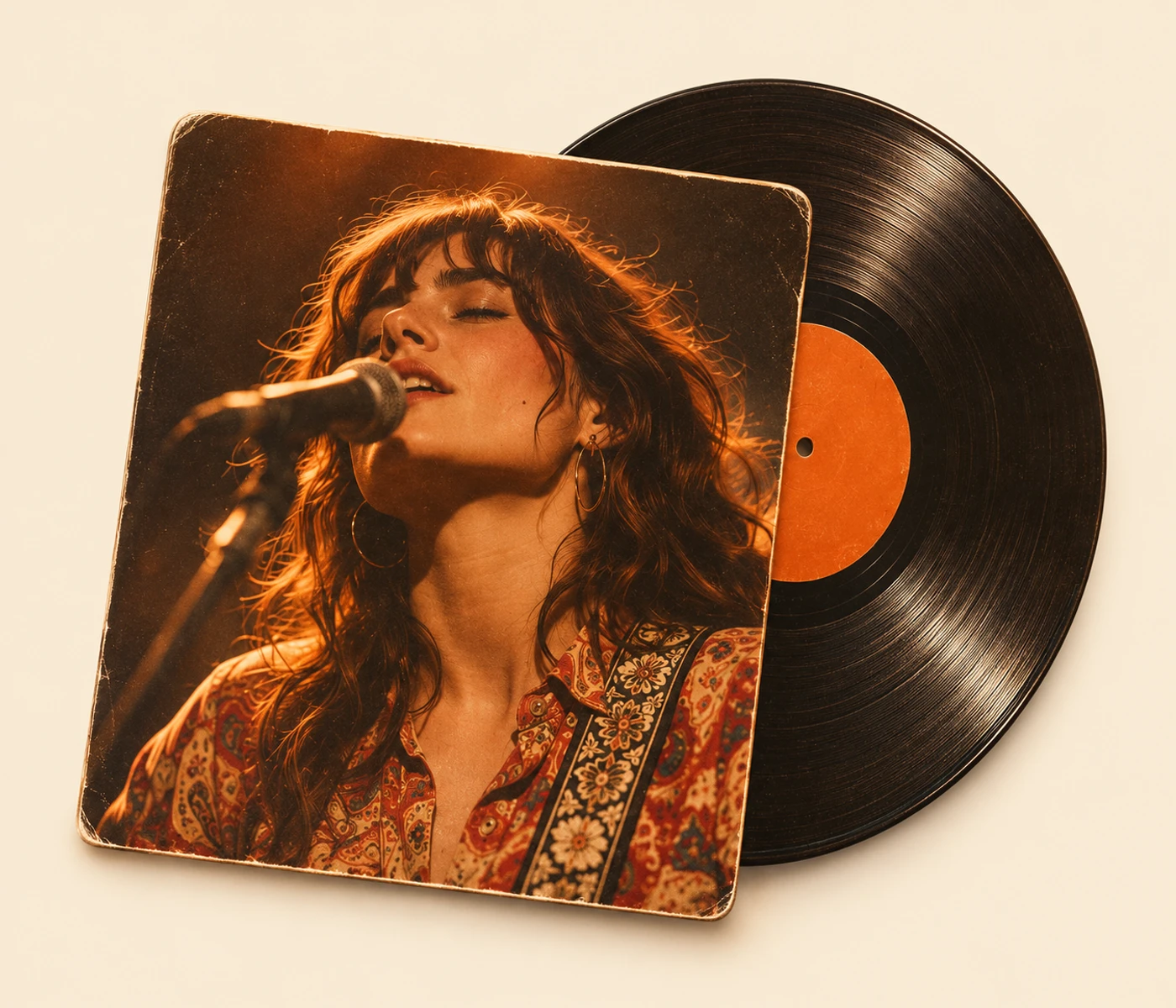
Build a full music video, highlight a chorus or invite people to sing along. Start with the same music and create formats for different moments.
16:901 / MUSIC VIDEO
Create with AI and a storyboard, choose a video background or upload your own film. Shape the style, scenes and atmosphere around your music.
 9:16SHORTS / REELS
02 / SHORTS & REELS
Choose an excerpt from your music video and create a vertical version. Adjust the framing and prepare your clip for Shorts and Reels.
 16:9
03 / KARAOKE
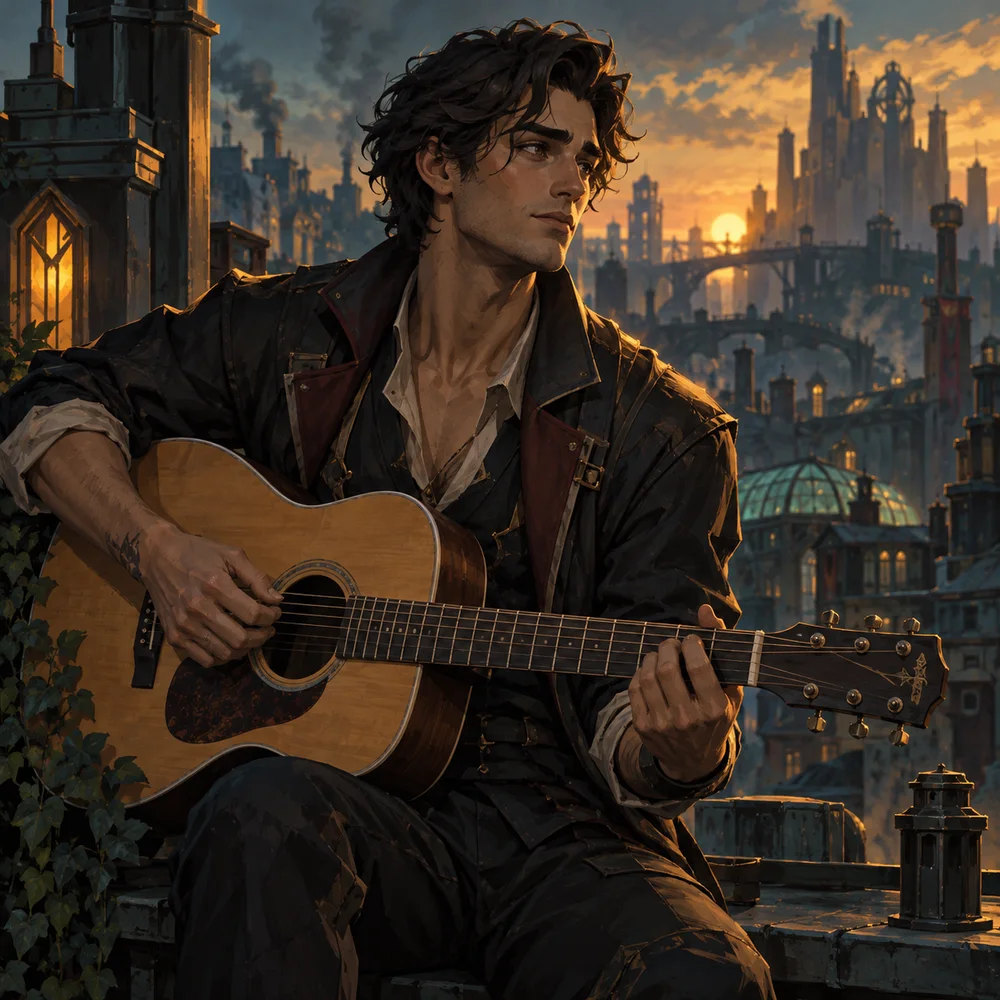
Use your own instrumental mix or create a karaoke track from your recording. Add synced lyrics with the current and upcoming lines.
Images and format previews are illustrative examples, not screenshots or customer results.
FROM AN IDEA TO A FINISHED FILM
Music, images, lyrics and videos belong together. Artist Video Studio brings them into single, EP and album projects so you can keep working with the same song across formats.
Open the studioCreate a project. Add tracks, cover art and lyrics, and keep your release material in one place.
Choose a format and how to make the film. Work with scenes, images and a storyboard, or use a ready-made background.
Preview your film, adjust lyric timing and download your export. Then prepare your title, description and publication.
THE DETAILS THAT BRING IT TOGETHER
Edit lines and timing in the sync editor. Reuse your lyrics in music videos and karaoke.
Build scenes with a consistent style and gather the images that belong to your film.
Generate suggestions for titles, descriptions and keywords. Review and adapt them before publishing.
Download finished videos and save a project backup. Keep your material so you can return to it later.
NEXT STOP: YOUR AUDIENCE
Connect YouTube, Instagram, Facebook and TikTok, choose a finished film and prepare your publication. You can also download the video and upload it wherever your audience is.
Open the studioConnect your accounts in the studio and choose which channels to publish to.
Open the studio and bring your next release together.
Open the studio